IWS
Intelligent Web Secure (IWS) is a comprehensive security solution designed to protect web applications and services from attacks. In other words, it is a Single Sign-On for applications that don't support federated sign-in methods.
To use the IWS Application with ezto auth, you must first create the application.
1 Go to Dashboard > Applications.
2 You will be presented with different application type tabs. Click on IWS.
3 Click on CREATE APPLICATION.
4 You will be moved to the first step, i.e, Details for creating an application.
5 Provide a descriptive name and enter the Application Login URL, which determines where the login screen is displayed.
6 For Who sets the credentials?, the type of credentials that must be provided for the application is determined by it; there are two types.
| Types | Description |
|---|---|
| 1. User sets username and password | By selecting this, the user will set the application's credentials |
| 2. User share a single username and password set by admin | By selecting this, the admin will need to enter credentials when creating the application.(Please note that this is a mandatory step) |
7 Provide the SSO Logo URL for quick identification in the SSO dashboard.
8 Lastly, provide the IWS Script to list down the elements the application should traverse to make the login process smooth and secure.
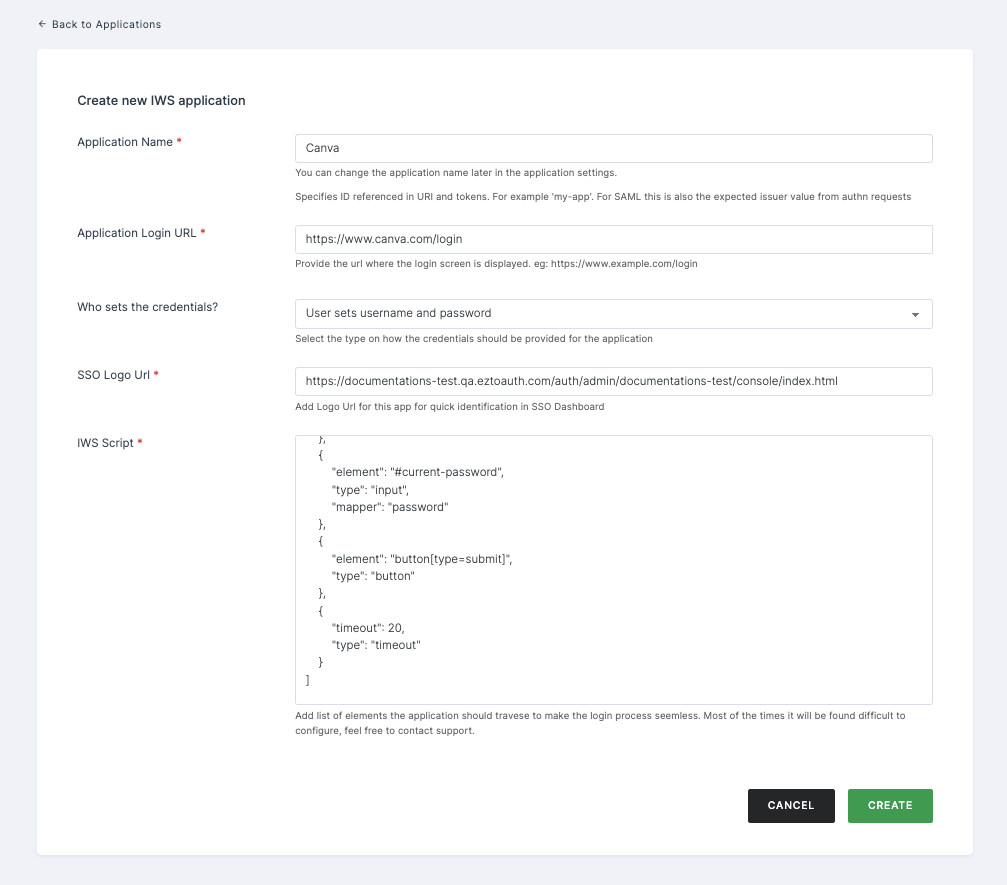
9 Click on CREATE.
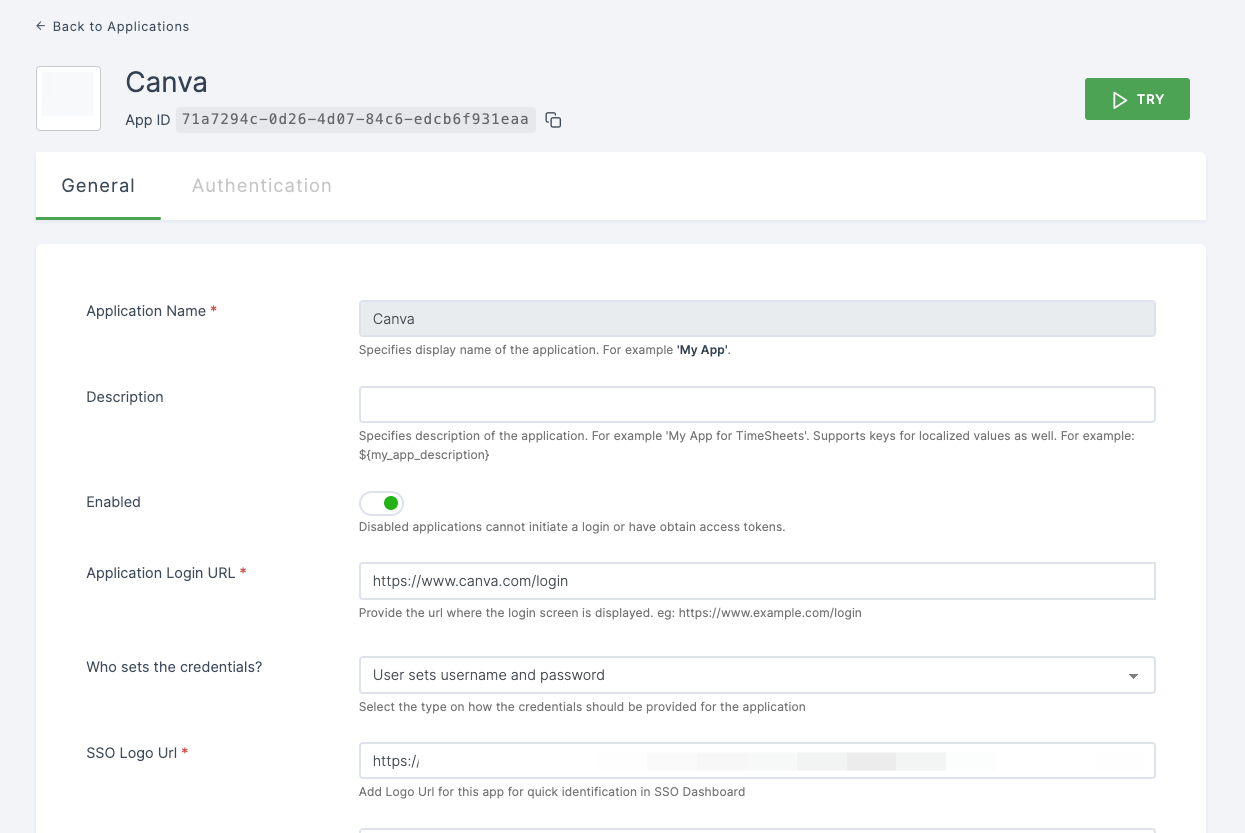
10 IWS Application will be created successfully.